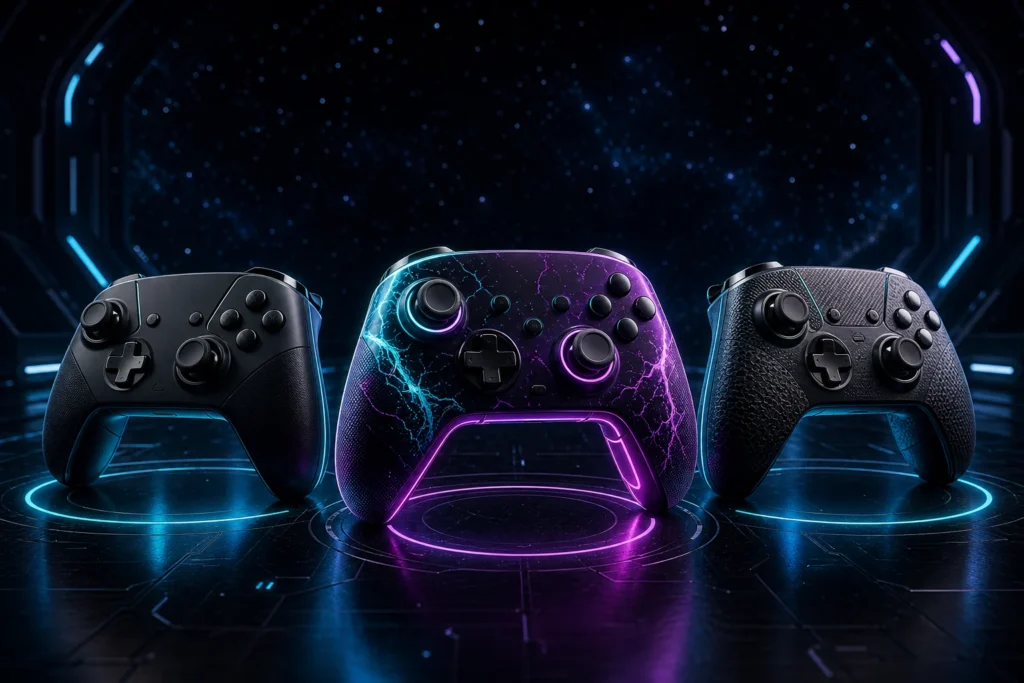
The best custom controller is not the one with the longest feature list. It is the one that fits your platform, your hands, your games, and the way you actually play.
Silent Modz builds controllers and controller options across Xbox, PlayStation, Nintendo, PC, and mobile-compatible setups where the individual product listing supports them. That range is exciting, but it also makes one rule especially important: start with compatibility and included hardware before choosing colors or modifications.
Start With the Correct Platform and Base Controller
A controller modification does not automatically create compatibility with a different console or device. Choose the controller family that is designed for your platform, then confirm the exact compatibility stated in the product description.
Silent Modz listings also explain whether you are buying a complete customized controller or a modification kit, shell, grip, lighting kit, or other part sold separately. If a genuine OEM controller is included, the listing should say so. Never assume the controller itself is included with a kit simply because a completed build appears in a product image.
Choose Between Visual Customization and Control Features
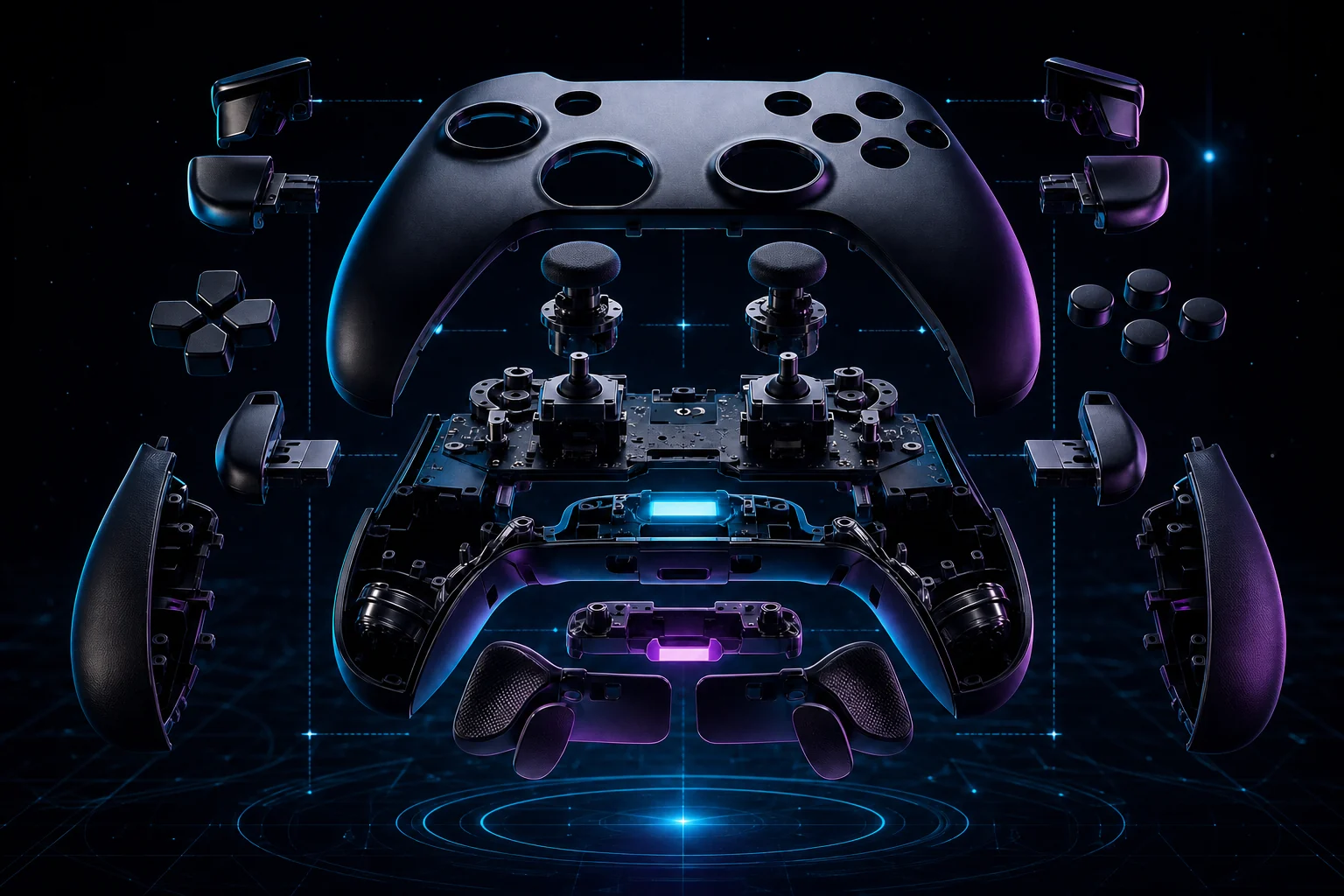
Some builds are designed primarily to transform how a controller looks. Custom shells, buttons, lighting, and coordinated color combinations can make a setup feel personal without changing the controller’s basic operation.
Other products may add model-specific options such as rear controls, remapping, rapid-fire functions, or specialized button layouts. Availability and operation vary by controller. The individual listing and matching manual—not a generic description—are the sources to follow.
Ask These Five Questions Before Ordering
- Where will I use it? Confirm console, PC, or mobile compatibility.
- Is this a complete controller or a kit? Review the package contents.
- What matters most to me? Choose appearance, grip, rear controls, lighting, or another supported feature.
- How do I prefer to connect? Check the listing for wired and wireless behavior.
- Can I learn the controls easily? Use the exact product manual for lighting, remap, or mod functions.
Match the Build to Your Playstyle
Players who spend long sessions with a controller may value textured grips and a familiar layout. Players who want rear inputs should focus on reachable controls and clear remapping instructions. Streamers and setup builders may care more about LED color, shell design, and how the controller looks on camera. PC players should verify game support and connection requirements before choosing a platform-specific controller.
No modification can guarantee better results in a game. A thoughtful build can, however, make the controller easier to understand, more comfortable for your preferences, or better matched to the functions you use most.
Read the Exact Listing Before Checkout
Before purchasing, review the title, compatibility, included components, processing information, and any model-specific notes. If two controllers look similar but have different feature packages, compare their descriptions instead of relying only on the photos.
If you are still deciding, browse the Silent Modz shop or contact the team with your platform and the features you want. A clear question before ordering is always better than choosing the wrong controller family.