A good setup starts by identifying exactly which controller you own. Silent Modz offers multiple platforms and modification packages, and the controls for one LED, remap, or rapid-fire version may not match another.
1. Match the Controller to Your Order
Check your order confirmation, product title, and package contents. Note the platform, controller family, and named modification package. If you purchased a kit or component instead of a complete controller, follow the instructions specifically written for that part.
Do not use a manual simply because the controller in its photo looks similar. The exact product name matters, especially when different versions use different activation buttons or control sequences.
2. Connect the Base Controller Normally
A customized OEM controller generally connects through the standard method supported by its original platform unless the listing says otherwise. Use the normal wired or wireless setup for that controller family and refer to the hardware manufacturer’s official support information when needed.
Controller modifications do not automatically add compatibility to an unsupported console, operating system, phone, or game. PC and mobile support can also depend on the base controller, connection method, operating system, and individual game.
3. Test Standard Controls Before Custom Functions
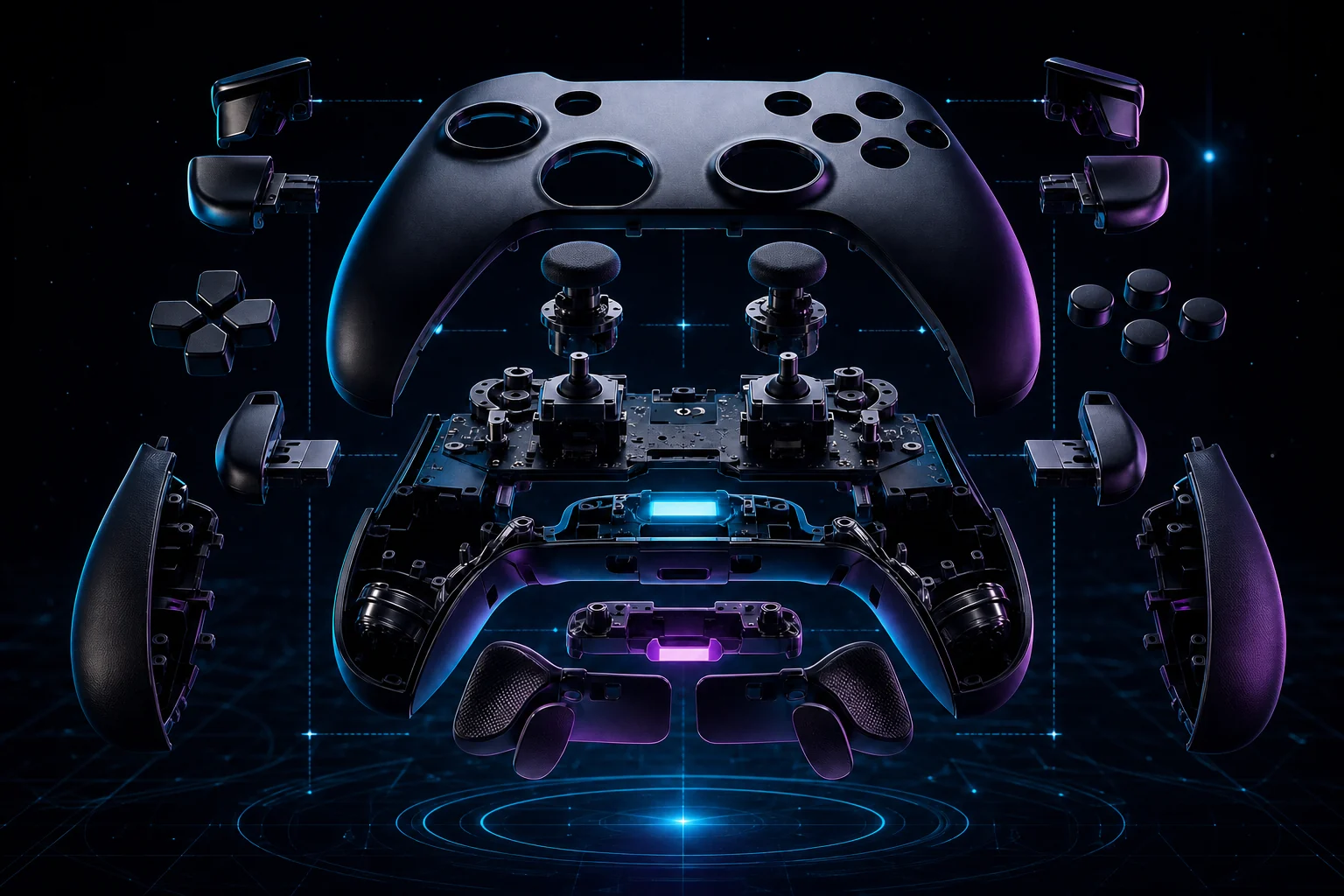
Before activating LEDs, remapping rear controls, or using any model-specific mod function, test the base controller in a normal menu or supported game. Confirm the sticks, directional pad, face buttons, bumpers, triggers, and connection behave as expected.
This creates a clean baseline. If a problem appears later, you will know whether it affects the standard controller connection or a custom feature.
4. Use the Exact Silent Modz Manual
The Silent Modz Manual Downloads hub is being organized by platform and controller version. When the full library is complete, choose Xbox or PlayStation 5 and then select the exact model shown on your order.
LED colors, lighting modes, rear-button mapping, activation controls, and rapid-fire behavior can vary. Never rely on a control sequence from a different product when the matching guide is available.
5. Keep the Controller Clean and Ready
- Use a soft, dry microfiber cloth for routine exterior cleaning.
- Keep liquids, harsh cleaners, and compressed debris away from openings.
- Store the controller where triggers and sticks are not held under pressure.
- Use compatible charging and connection equipment for the base controller.
- Take regular breaks during long gaming sessions.
A Simple Troubleshooting Order
- Confirm the controller is charged or securely connected.
- Restart the console, PC, or mobile device.
- Reconnect the controller using the base model’s supported process.
- Test a second supported game or menu when appropriate.
- Reopen the exact Silent Modz manual and check the feature sequence.
If you still need help, contact Silent Modz support with your order number, exact product name, platform, connection method, and a clear description of what happens. That information helps the team identify the correct controller version faster.